Repurpose video with less manual editing
AIClipper.video
Turn long YouTube videos into captioned clips with AI-assisted moment selection, visual templates, and face-aware framing. Visit https://aiclipper.video/.
Outcome
A complete preparation and rendering workflow produces downloadable MP4 clips and SRT captions, with repeatable channel imports.
My role
Full Stack Engineer
How I helped
- Built the workflow from YouTube source to downloadable clips and captions.
- Connected Gemini transcription and clip scoring to background rendering.
- Added visual face tracking, podcast layouts, and channel imports.
Product
The workflow in context
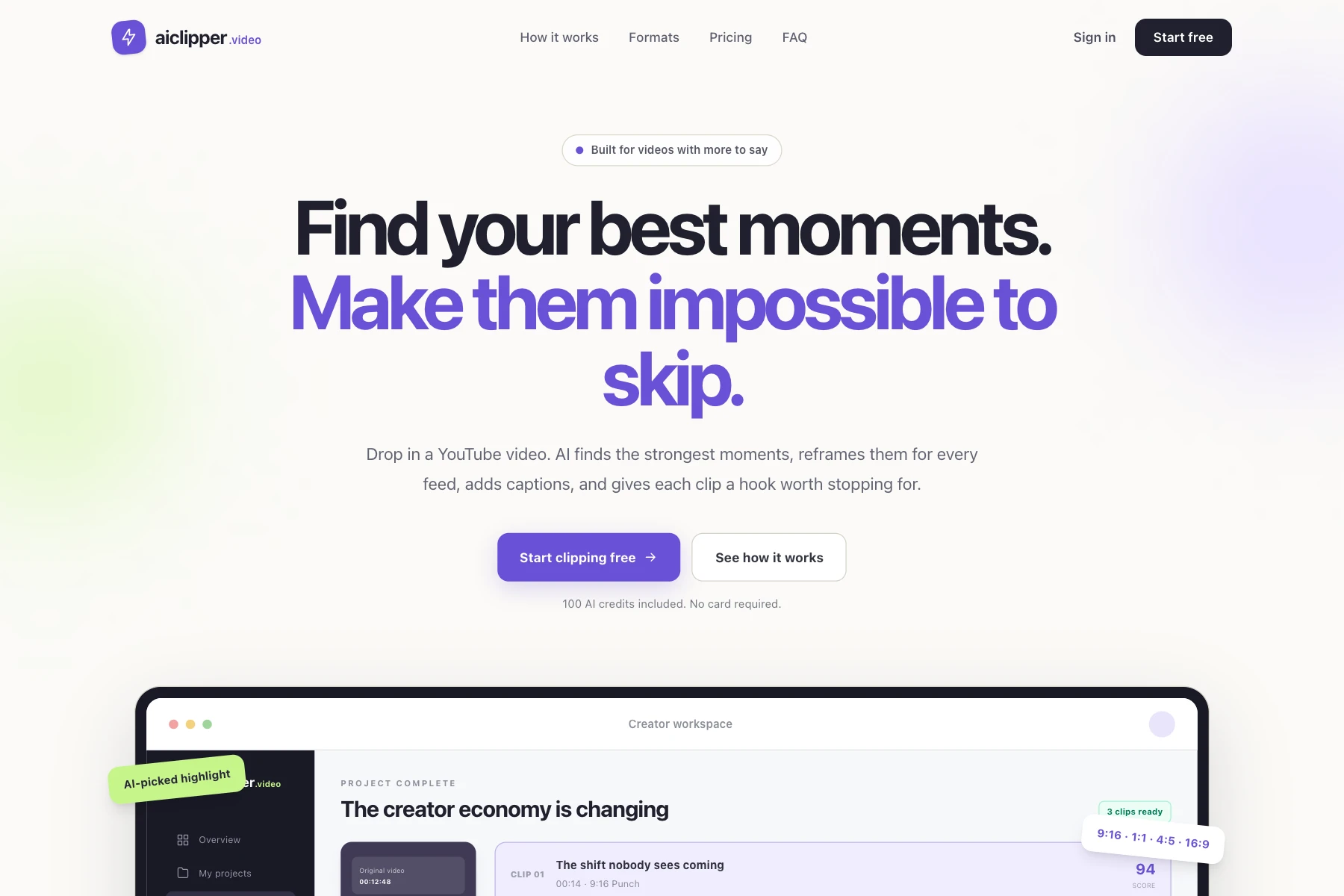
Live homepage screenshot captured directly from https://aiclipper.video/.
The solution
Creators submit a video or connect a channel, choose a template and editorial goal, then let background workers transcribe, score, caption, and render candidate moments.
What changed
The current Rails MVP connects video download, Gemini-assisted transcription, bounded clip selection, FFmpeg rendering, and downloadable MP4/SRT output. Seven visual formats include Face Track and Speaker Split. Editorial scores describe content potential, not predicted views.
Behind the solution
Rails 8.1 handles accounts and the creator workspace. Solid Queue runs the processing pipeline; Active Storage holds source media and finished clips. Gemini calls are isolated behind a dedicated client. FFmpeg and yt-dlp handle media processing.
Technical decisions
- Validate timestamps and model candidates before rendering.
- Bound source duration and size, scope media to its owner, and limit concurrent jobs.
- Run face detection locally on reduced-size frames; use FFmpeg to crop the full-resolution video.
- Deduplicate channel imports by YouTube ID.
- Keep a real FFmpeg demo flow available without an AI provider.
Key features
- Goal-weighted clip scoring and seven rendering formats.
- Burned captions, branding, MP4 downloads, and SRT exports.
- Face tracking and two-face podcast layouts with one-person fallback.
- Hourly channel polling with duplicate protection.
Lessons learned
Validate model output before it reaches media tools, and keep each processing stage observable and recoverable. Visual face tracking is not audio speaker identification; full-frame layouts remain useful for difficult footage.
AI system implementation
Gemini handles transcription and candidate clip selection through a dedicated client. Solid Queue coordinates slow processing outside HTTP requests. Model timestamps and candidate boundaries are validated before FFmpeg renders MP4 clips and SRT captions. Local face detection guides crops; it does not identify speakers from audio. Editorial scores express content potential, not predicted views.
Could a similar approach help your business?
Tell me where work gets stuck. We can identify a practical first improvement and what success should look like.
Discuss your challenge